Fonts
→ → → →
Use the Fonts utility to upload custom fonts that can be used to format Text and Product Pricing components on DMB screens.
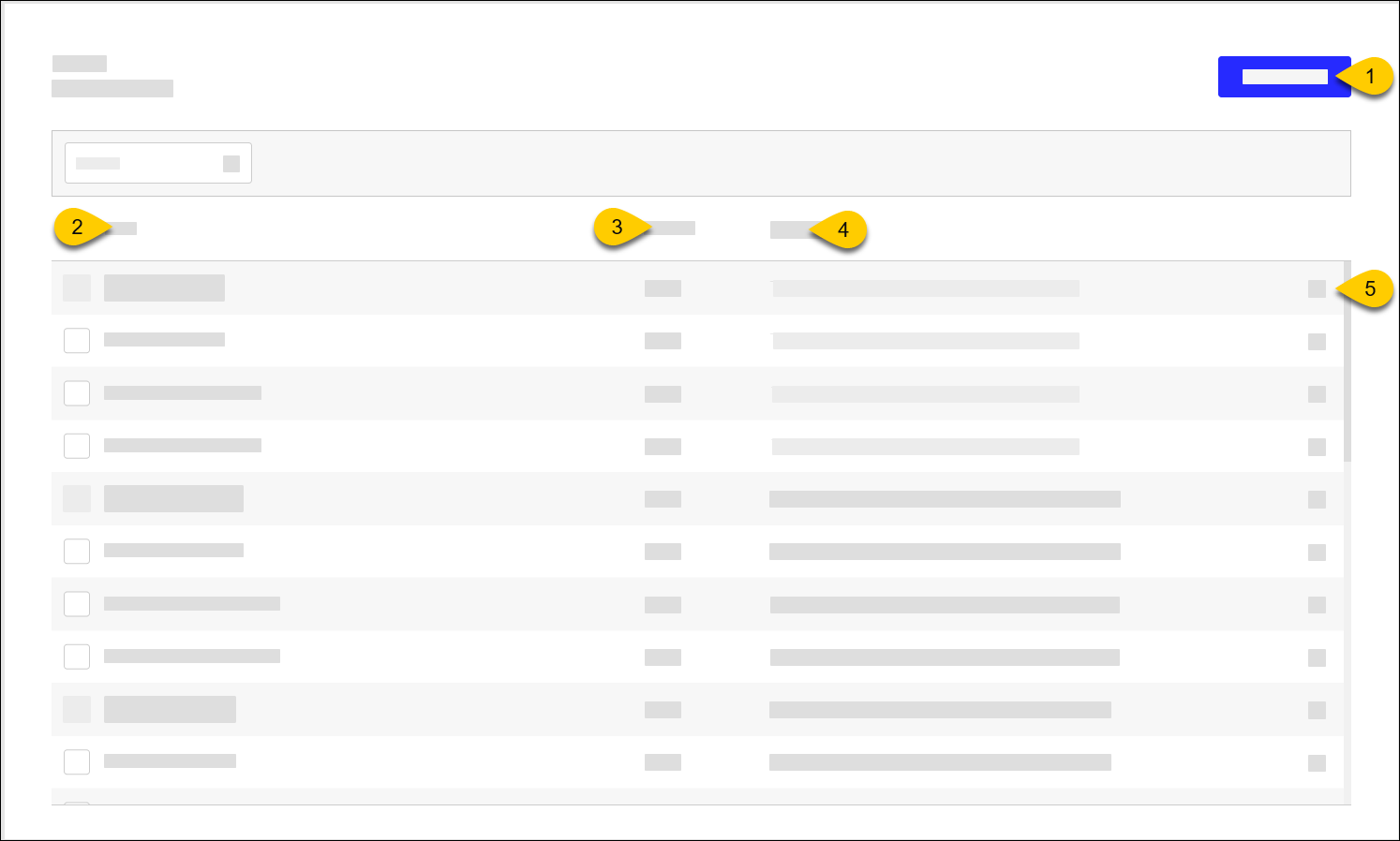 |
1 | Upload fonts Supported formats:
| |
2 | Font | Name of font |
3 | Version | Version of font currently in use |
4 | Example | Example of text formatted with this font |
5 | Remove | Select X to remove the font |
Upload Fonts
To upload fonts:
From the upper-right of the Fonts homepage, select Upload Fonts.
From the file selector, select the font to upload.
From the Upload Fonts prompt, select the confirmation check box, and then select Upload.
Importante
Global Payments is not responsible for any copyright violations.