Dayparts
→ → → →
A "Daypart" identifies a segment of the business day, for example, Breakfast, Lunch, and Dinner. Dayparts are used on Schedules to control the DMB content that is displayed during specific times of the day.
Use the Dayparts utility to add and manage the Dayparts that are available for selection when creating a Schedule. The following provides an overview of the Dayparts homepage:
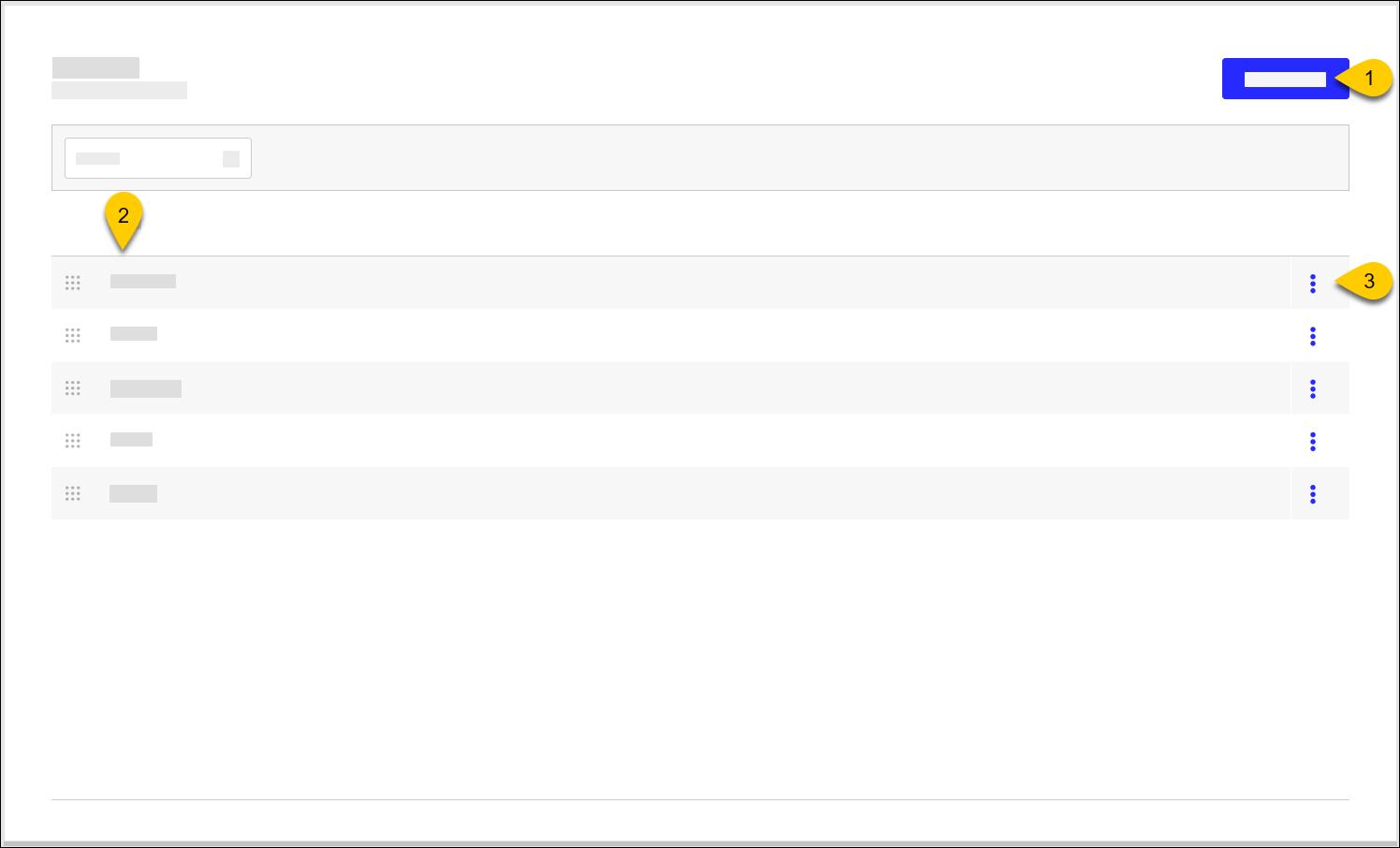 |
1 | Add Daypart | Create new Daypart |
2 | Dayparts | Name of Daypart Use the control to the left of the listed Dayparts to sort them in the preferred sequence. |
3 | 3-Dot Menu | Select an action to perform on the Daypart:
|
Add Daypart
→ → → →
To add a Daypart:
From the upper-right of the Dayparts homepage, select Add Daypart.
In the Daypart Name field, type the name of the Daypart.
From the upper-right, select Save.