Time Off Blackout Dates - Overview
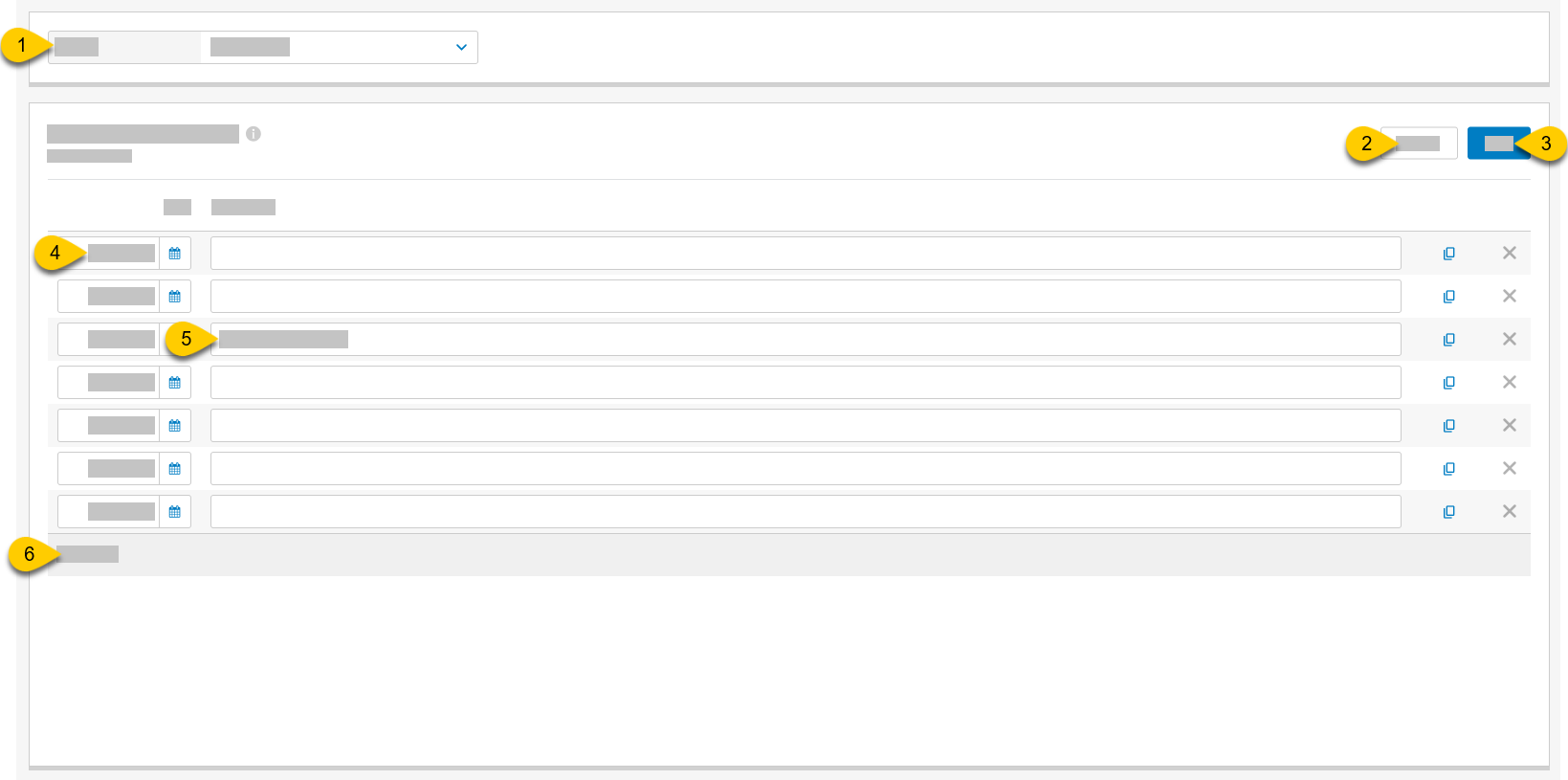 |
1 | Store | From the dropdown, select a store to view the list of associated employees. |
2 | Discard | Discard all unsaved changes. |
3 | Save | Save all updates. |
4 | Date | Type the date for the blackout date or select the calendar icon to open the period / date picker. |
5 | Description | Type a description for the blackout date tooltip. |
6 | Copy | Select to create a copy of the blackout date and description. |
7 | Delete | Select X to delete the blackout date entry. |
8 | Add Item | Add new blackout date. |